

Please note: Starting August 17, 2026, Google will be changing how smart bidding strategies work


This feature allows you to add the following social profile links: Instagram, LinkedIn, Pinterest, TikTok, Twitter (X), YouTube and Facebook. Let's get social!
To get started, you must first log into Google My Business with the email address used to manage your business account.
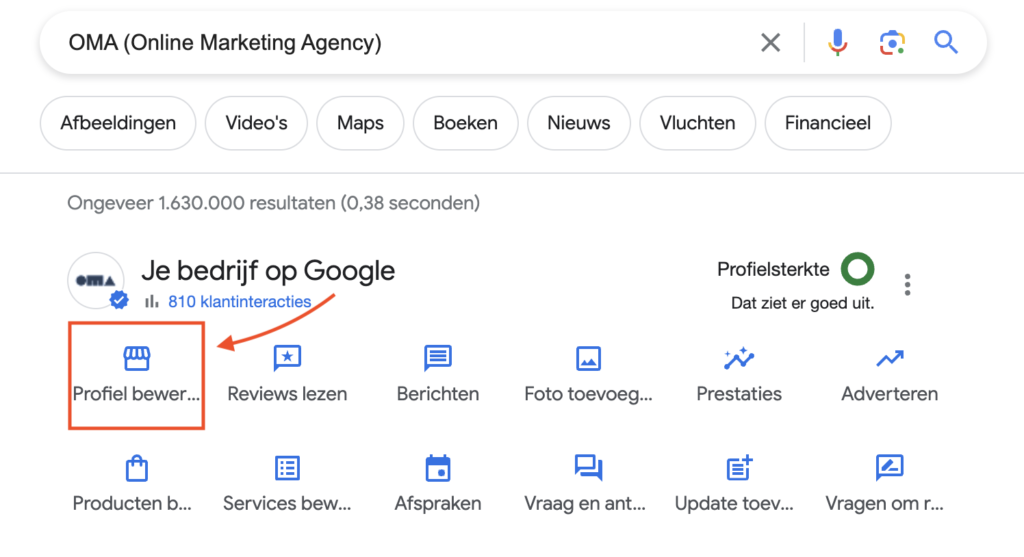
Then scroll down until you see 'social media profiles'. When you click on this, you will see that a window pops open where you can add your links.
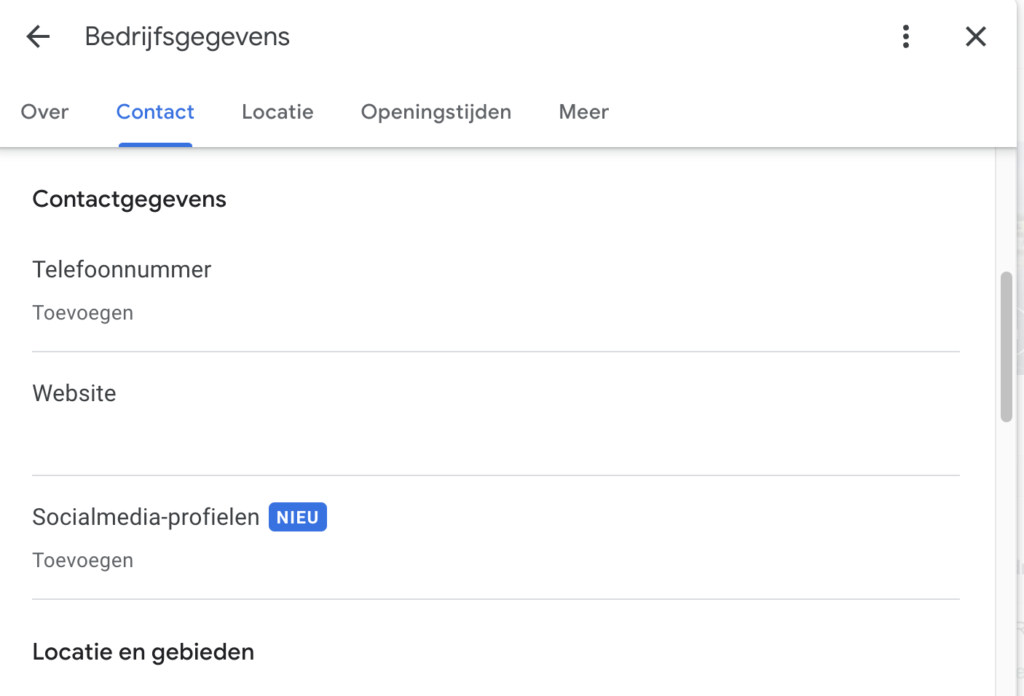
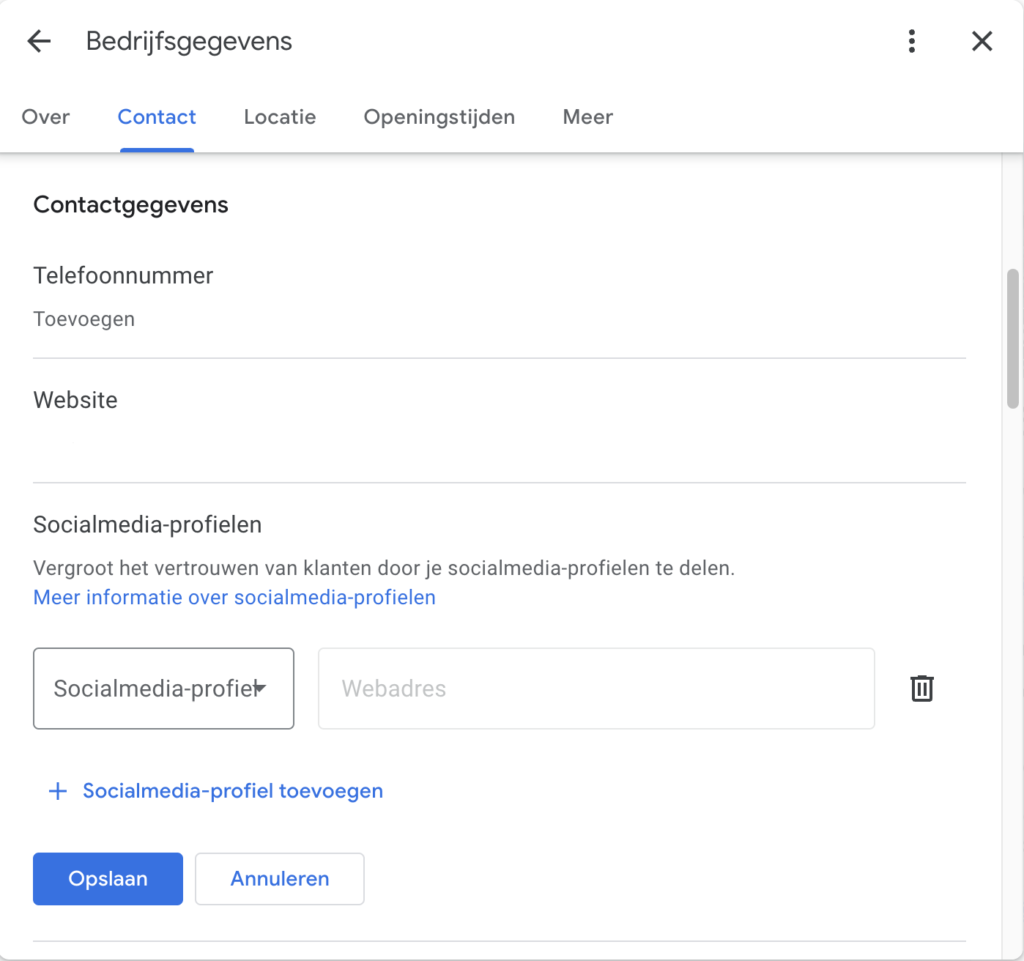
Once you click on the option, you will see the options for adding your social media platforms to Google My Business.
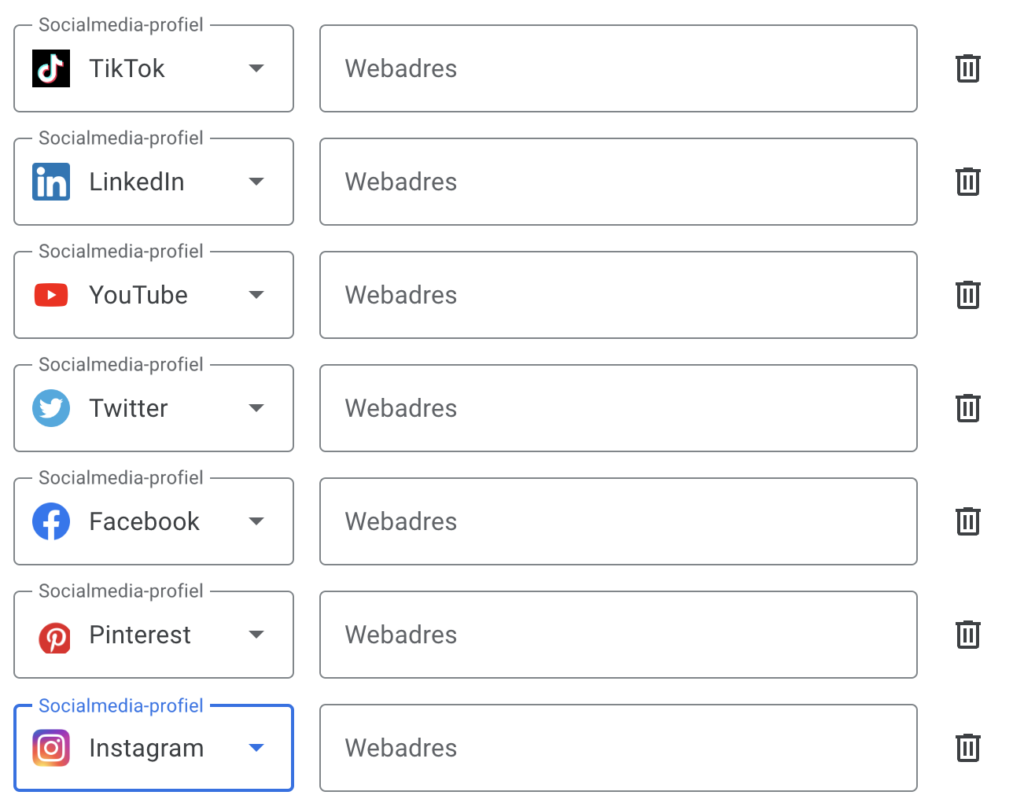
It is currently possible to add the following social media links to your Google My Business:
When you're done with your links, click the 'save' button at the bottom!
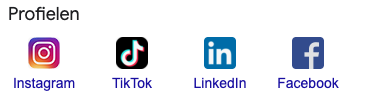
Tadaa!
Currently, it is only possible to add 1 link per social media platform.
After saving, the social media links appear directly on your Google Company Profile.
If your desired platform is not listed, you cannot add it to Google My Business at this time.
Is there any way to adjust the order of displayed social media links on the Google Company Profile?





Written by: Daniël Kuipers
Daniel is the founder of Online Marketing Agency. He constantly scours the Internet for the latest gadgets and tactics and blogs about them in understandable language. Well, sometimes.